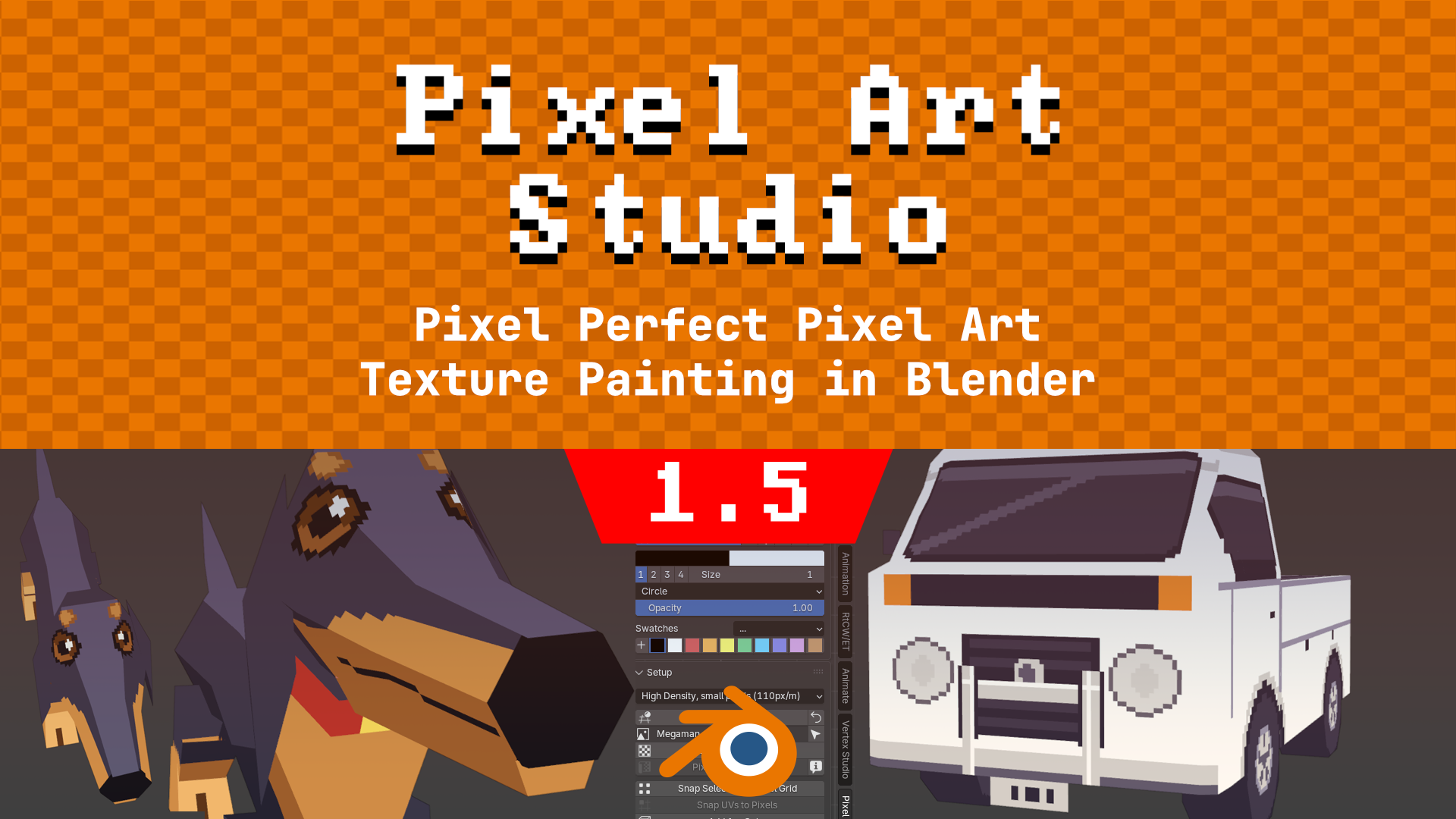
Texture Filtering (Closest, Linear and N64 (3 Point)) with Seam Padding, so UV seams don't show on interpolated (filtered, smooth) textures in Blender and in game engines, that means you can now use Pixel Art Studio 1-click UV unwrap to do non-pixel art texture painting. Plus square and circle selections, and fixes.
v1.5 is the last version supporting Blender 3 and 4. Updates after it are made and tested for Blender 5 and newer only. On Blender 3.6 to 4.x, keep v1.5.
Links
Texture Filtering: Closest, Linear and N64 (3 Point)
You can now use Pixel Art Studio's 1-click UV Unwrapping and UV tools to also do smooth texture painting (NOTICE: Pixel Art Studio still does not have smooth brushes, but our UV tools and seam padding now allow you to do 1-click UV unwrapping with Pixel Art Studio and then use Blender's Texture Painting or other software for texture painting. Pixel Art Studio's own smooth brushes and airbrushes are coming in v2.0, this is the 1st step towards it).
- New Filtering row in the Setup panel, under Paint On: Closest (default, sharp pixels), Linear or N64 (3 Point) (N64's filter).
- Every material using the texture follows, one undo step.
- Linear and N64 (3 Point) raise Margin (px) in the Unwrap Options to 4 (never lowered), and every unwrap keeps the islands at least 2 texels apart on a filtered texture.
- A painted texture whose islands are too close asks Lay Out Again (new UVs, the painting kept) or Not Now.
- Exports follow the filtering: glTF, Godot, Unity, Unreal and the Generic Exporter export a filtered texture as Linear with mipmaps (N64 (3 Point) exports as Linear). Closest exports exactly as before.
Docs: Texture Filtering and Seam Padding.
Seam Padding: no seams on a filtered texture
- Automatic while the texture is filtered: the margin around every UV island is filled with what the model shows across the seam, so Linear shows no step at every face.
- It's in the texture only (PNG, exports), never in your layers. Back on Closest, the texture is exactly what your layers make.
- New Hard Edges option (with an angle, 60° by default), for a texture with the light painted in: the padding stops at hard edges and edges marked sharp, so they stay crisp.
Square and circle selections
- Marquee and Ellipse Select: press SHIFT during the drag for a perfect square or circle.
- SHIFT held when starting the drag still adds to the selection. To add a square: start with SHIFT, let go, press it again.
Apply Texel Density on a shared texture
- A new object joining a painted texture that other objects share is laid out alone, beside them, without asking and without touching the texture or the other objects' UVs.
- When it doesn't fit, the warning says what to do (select every object on the texture, turn on Grow Texture to Fit, or make room).
Links
v1.5.0 Changelog
- New feature: Texture Filtering in the Setup panel: Closest, Linear and N64 (3 Point), for every material using the texture, one undo step.
- New feature: Seam Padding: on a filtered texture, the margin around the UV islands is filled from across the seams, so seams don't show.
- New feature: Hard Edges for Seam Padding, for textures with painted lighting.
- New feature: Lay Out Again: a painted texture with islands too close for filtering gets new UVs with the painting kept.
- New feature: SHIFT during a Marquee or Ellipse Select drag makes a perfect square or circle.
- Improvement: The margin follows the filtering: a filtered texture is unwrapped with islands at least 2 texels apart, and picking Linear or N64 (3 Point) raises Margin (px) to 4.
- Improvement: glTF, Godot, Unity, Unreal and the Generic Exporter export a filtered texture as Linear with mipmaps.
- Improvement: A color with alpha below 1 paints one coat per stroke, like Opacity (going over the same pixels in the same stroke doesn't darken them anymore).
- Improvement: The swatch of the current color has a black or white ring around it, easier to see than the old pressed look.
- Improvement: Apply Texel Density lays out a new object alone on a painted texture shared by other objects, and the "does not fit" warning says what to do.
- Improvement: A layer moved with the Move tool (or an image bigger than the canvas) takes every tool where it shows: brush, symmetry, patterns, gradient, bucket, Blur, Shading, masks.
- Bug fix: Create Texture (Quick Setup and the canvas wizard) on a new model split into several materials without textures (ex: M_Face and M_Hair) added a material on no face, so the model stayed blank. Now every face paints the texture and each material keeps its name.
- Bug fix: With symmetry on, strokes on a model that isn't symmetric (ex: Blender's icosphere) painted random dabs anywhere on the model.
- Bug fix: Merge Down moved a layer back to where it was before the Move tool slid it.
- Bug fix: Undoing a merge into the pixel grid layer left the merged art in the grid.
- Bug fix: In Tiled Mode, a Pixel Perfect stroke going into a repeat and back lost some pixels.
- Bug fix: N64 (3 Point) on a decal mixed over another image made the other image the painted texture.
- Bug fix: Disabling the add-on while the shortcut mode question was open crashed Blender.
- Bug fix: On macOS and Linux, a read only exported model or PNG was overwritten instead of refused.